Signing in and your password
Log in with your email or Google, reset a forgotten password, and confirm your email.
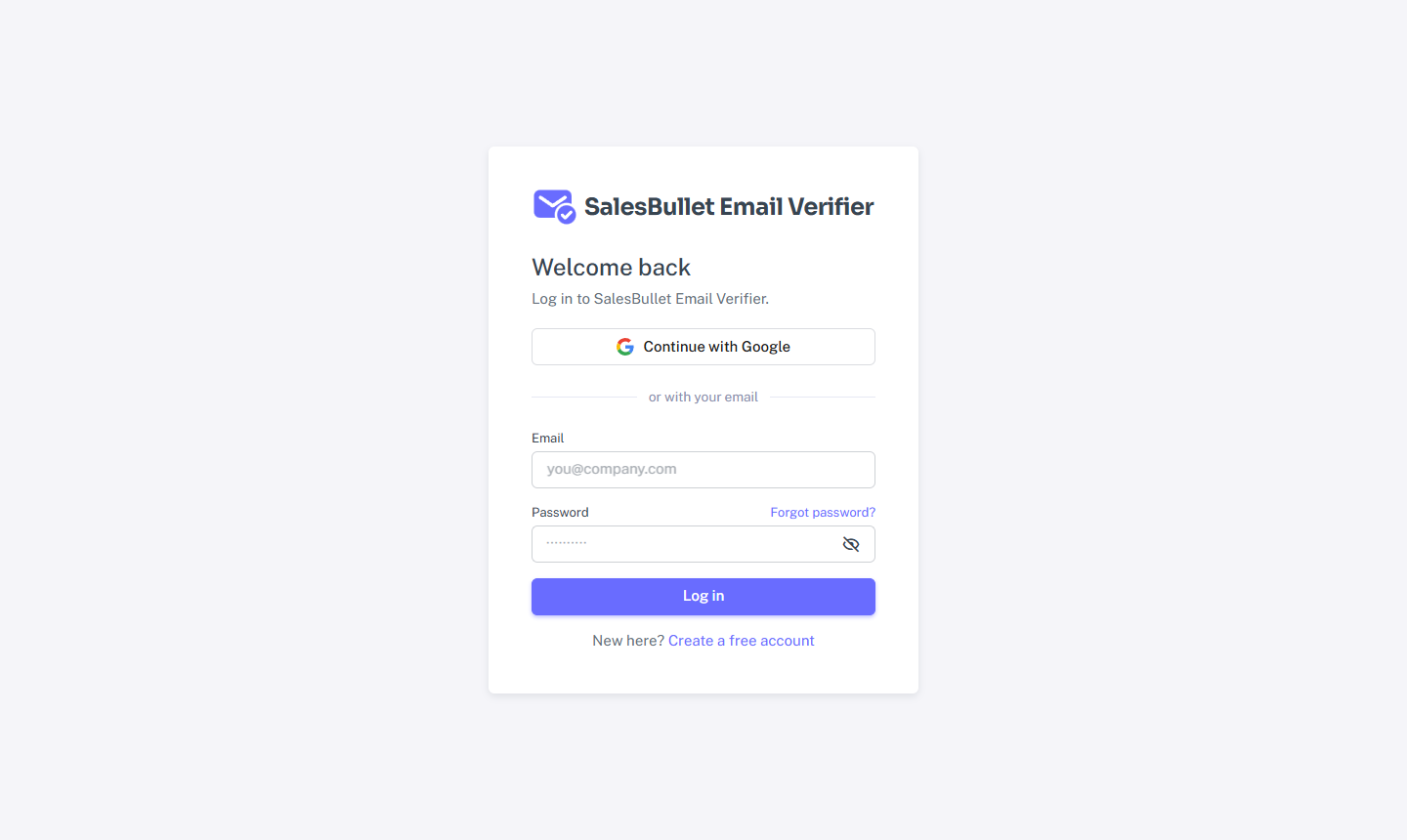
Log in
Open Log in and either enter your email and password, or choose Continue with Google. You stay signed in on that browser until you sign out.
If you first signed up with email and password, you can still use Continue with Google later with the same email — it gets added as a way in.
Forgot your password
- On the log-in page, select Forgot password?
- Enter your email. If there's an account, we send a link to set a new password. (The page says the same thing either way, so it never reveals who has an account.)
- Open the link and choose a new password — at least 8 characters.
Setting a new password signs out your other sessions within a minute.
Note
Too many wrong passwords locks sign-in for 15 minutes. Wait, then try again — or reset your password.
Confirm your email
A new email-and-password account needs its email confirmed — that's what releases your free credits and unlocks API keys and webhooks. Until then, a banner in the app has a Send again button. Signing up with Google confirms your email for you.
Create your account walks through signing up from the start.