Create your account
Sign up with your email or with Google, confirm your address, and your free credits are waiting.
A free account lets you verify addresses straight away — no card needed.
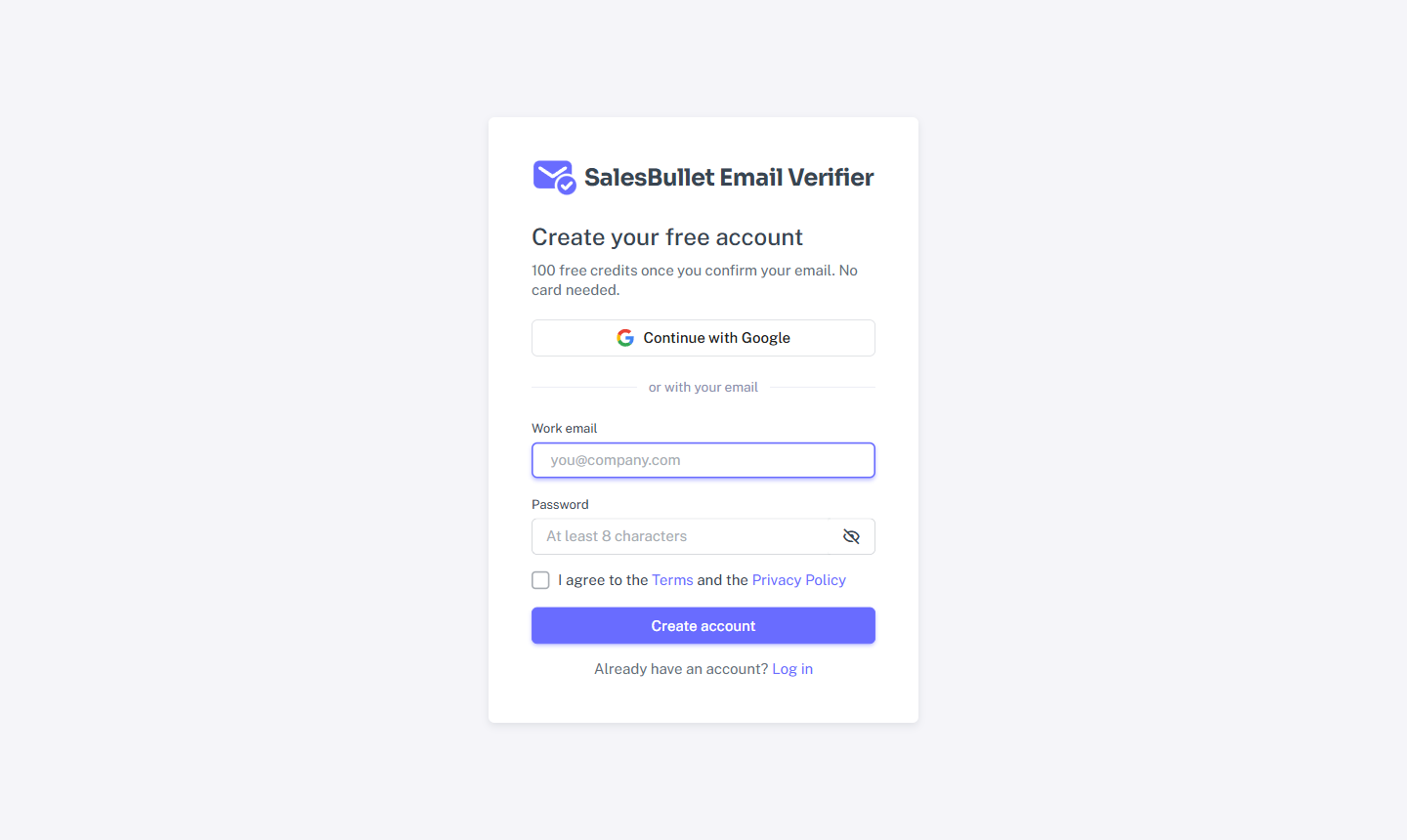
Sign up
Open Create a free account and either:
- enter your email and a password (at least 8 characters) and agree to the terms, or
- choose Continue with Google — no password to set.
Note
Throwaway (disposable) email addresses can't sign up — use your own work or personal email.
Confirm your email
If you signed up with email and password, we send you a confirmation link. Open it to get your free credits — 100 credits, enough to try every part of the app. Until you confirm, a banner at the top of the app reminds you, with a Send again button (one link every couple of minutes).
Signing up with Google confirms your email for you, so your credits are there right away.
Tip
Confirming your email also unlocks API keys and webhooks — both need a confirmed address.
Log in and passwords
Come back any time at Log in, with your email and password or Continue with Google. Forgot your password? Use Forgot password? on the log-in page and we'll email you a link to set a new one. More about signing in
Next: how credits and plans work.