Verify one address
Type an address, get the answer in a few seconds — with the reason behind it.
Use Verify to check a single address on the spot. It's the quickest way to settle one email before you write to someone.
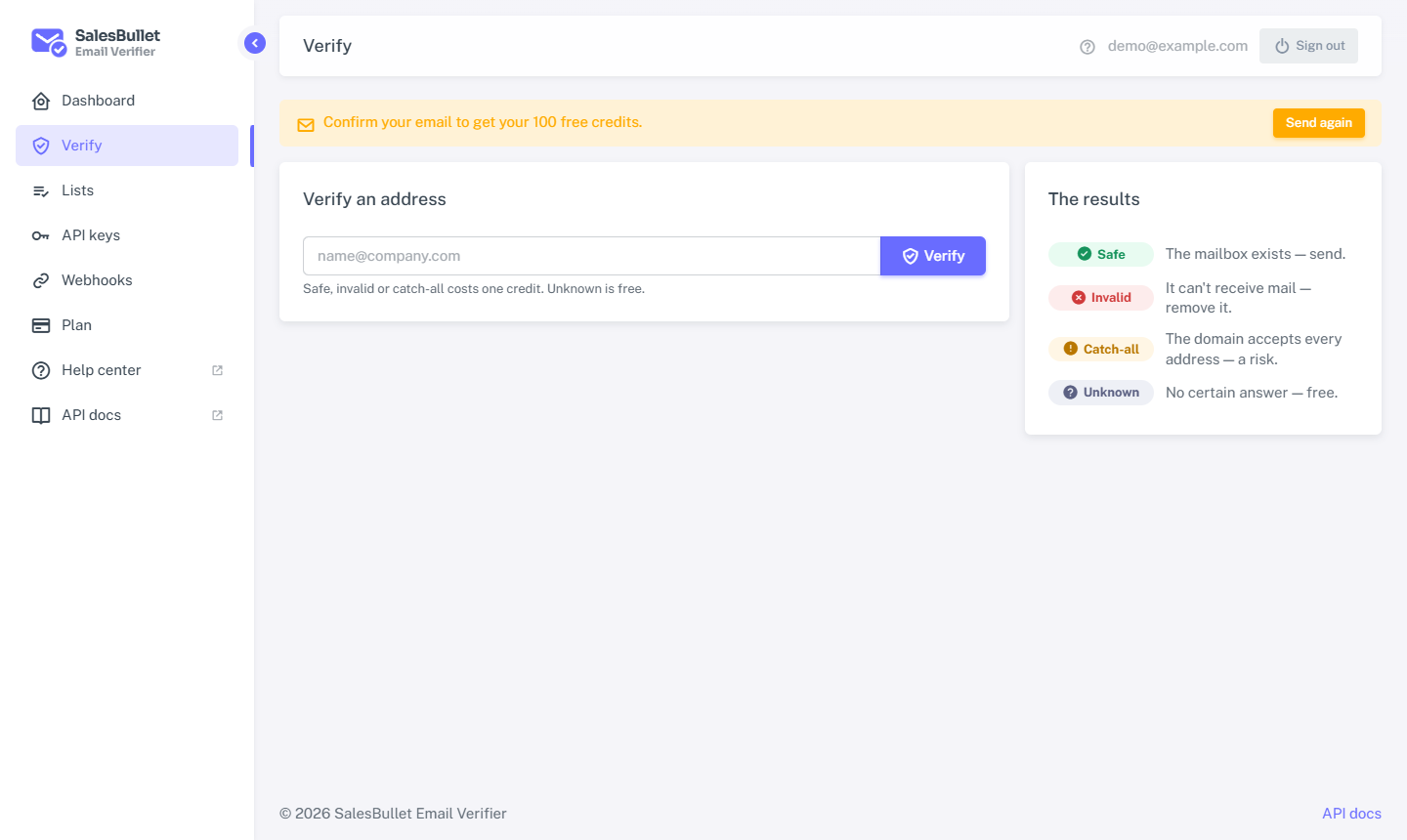
Check an address
- Open Verify from the menu (there's also a quick box on your Dashboard).
- Type the email address.
- Select Verify.
The answer comes back in a few seconds: a status — safe, invalid, catch-all or unknown — and a short reason, such as "The mail server accepts this address" or "The mailbox doesn't exist". What each result means
A definite answer (safe, invalid or catch-all) costs 1 credit. An unknown is free.
How many at once
Single checks are meant for the odd address, not a list. You can run one at a time, with one more waiting its turn; beyond that you'll see "Too many single checks — submit a list instead."
Tip
Checking more than a handful? Upload them as a list instead — it's built for volume and groups addresses by domain so it's faster and gentler on the mail servers.
A result is remembered
A fresh result is stored and reused for a while, so checking the same address again soon gives the same answer at once, without spending another credit. Safe results are kept longest, invalid ones longer still, and uncertain ones are always checked again.