What the email verifier does
Check whether an email address is real and safe to send to — one address at a time, a whole list, or straight from your own code.
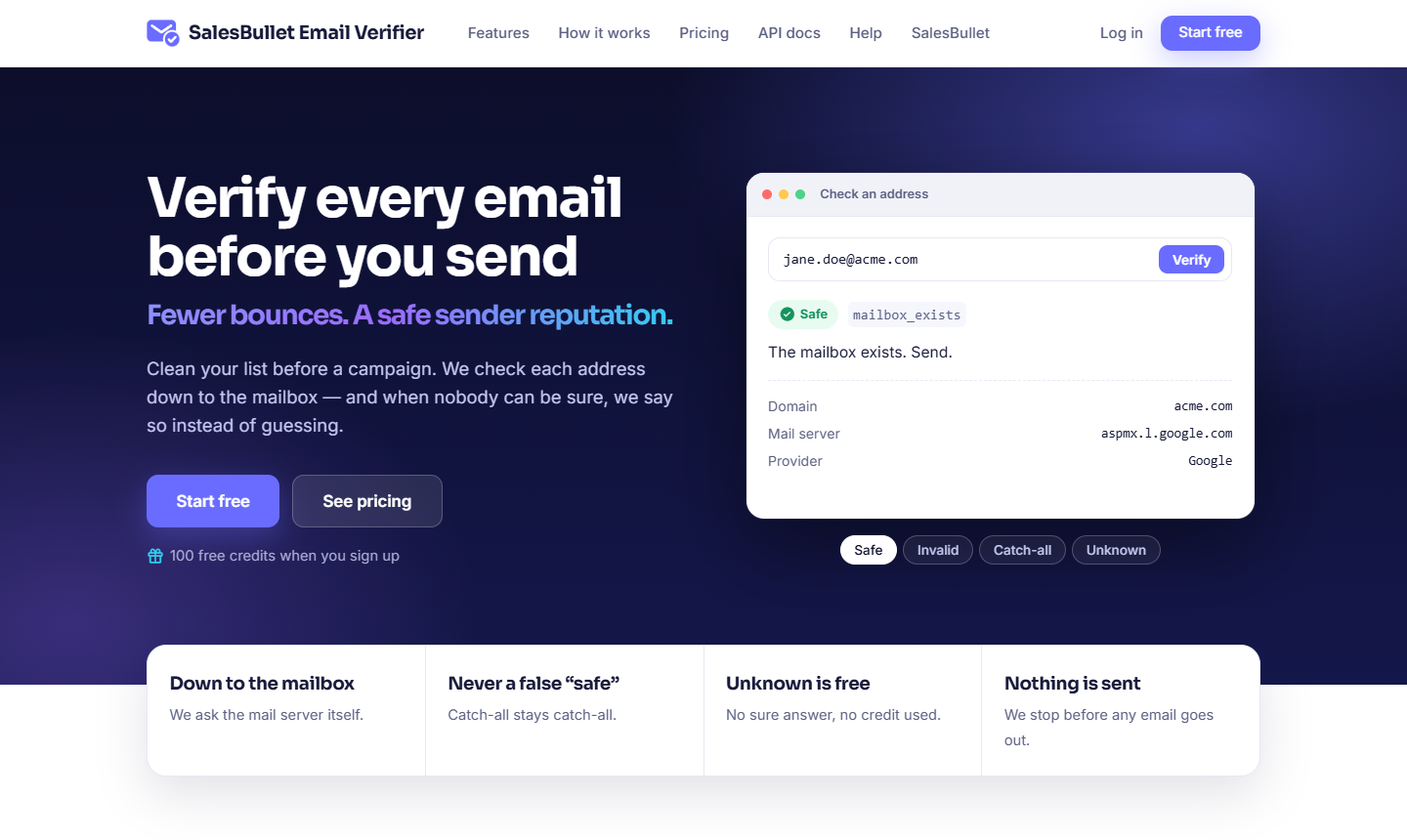
Sending to bad addresses hurts your sender reputation and wastes your plan. The email verifier checks an address before you send to it and tells you whether it's safe. You can check one address, upload a list, or call the API from your own app.
How it checks
The verifier works from the cheapest check to the most involved, and stops as soon as the answer is certain:
- Syntax — is it a real email address at all?
- Domain lists — is the domain a throwaway (disposable) one, a role address such as
info@, or a free provider? - DNS — does the domain exist and accept mail (its MX records)?
- The mailbox — a real mail-server check that asks whether that exact mailbox exists, without ever sending an email.
It never logs in, resets a password or signs up to guess an address — only the standard checks a mail server answers.
The four results
Every address comes back as one of four:
- Safe — the mailbox exists and accepts mail. Good to send to.
- Invalid — it can't receive mail (bad address, no such domain, or the mailbox doesn't exist). Don't send.
- Catch-all — the domain accepts every address, so there's no way to confirm this one on its own.
- Unknown — no sure answer right now (a temporary block, a full inbox, or a provider that accepts everything). You're never charged for an unknown.
Note
The verifier never guesses "safe" when it isn't sure. An accept-all provider or a catch-all domain comes back catch-all or unknown, never a false safe. More about the results
Three ways to use it
- Verify — check a single address and see the answer at once. Verify one address
- Lists — upload a CSV or TXT file (or paste addresses) and get the whole list back, cleaned. Verify a list
- The API — verify from your own code and get list results by webhook. Verify with the API
Tip
New here? Create your account — you get free credits to try it the moment you confirm your email.